To submit a digitization request, you must be logged in to your MyKBR account.
You can add up to five documents per request.
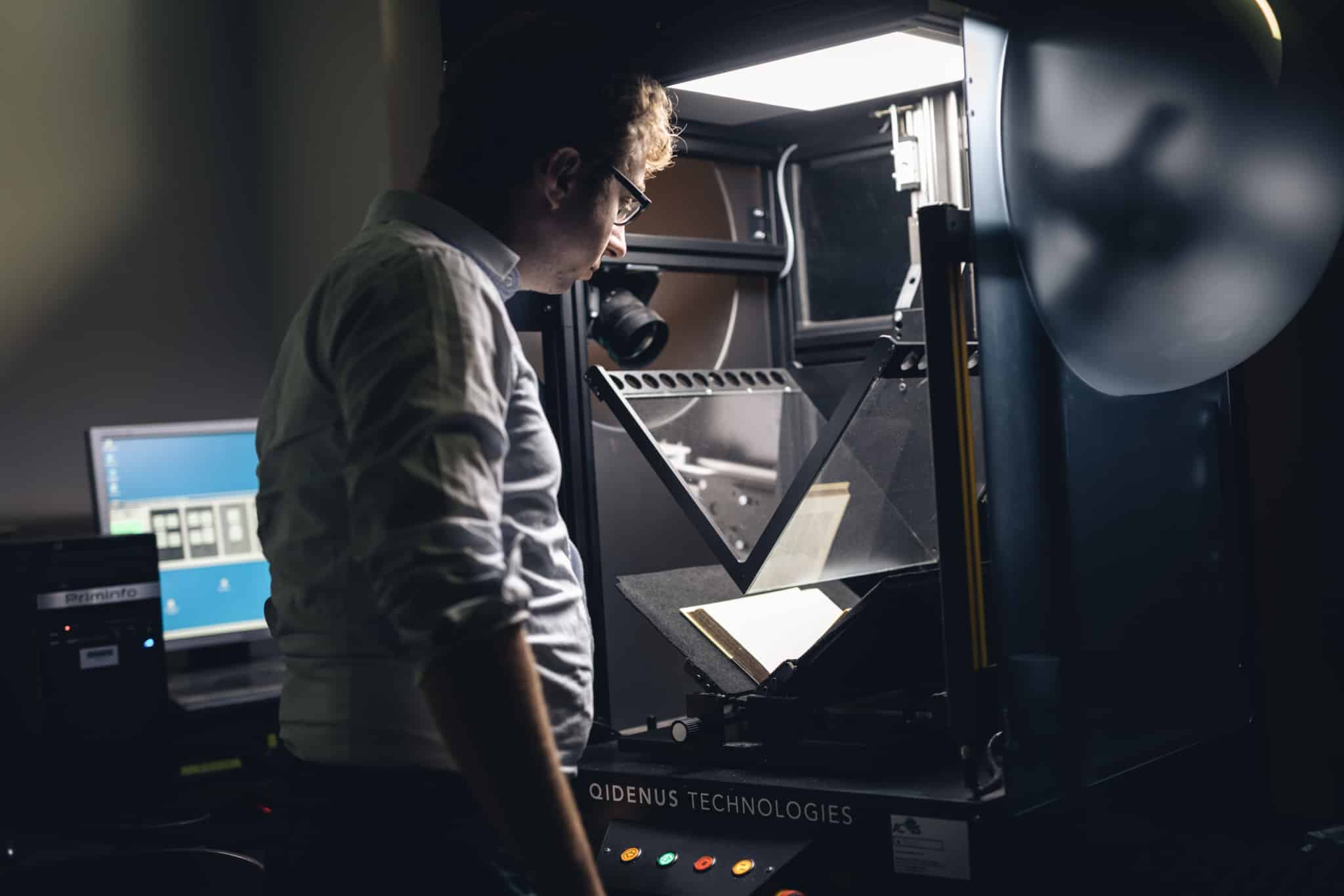
Your request is free of charge and will be included in the workflow of ongoing digitization activities. We will digitize the documents as quickly as possible, provided that the conservation condition of the document allows it. When possible, the work will be made available in digital format according to its legal status:
- Public domain works are made available online with open access. You can also receive the requested files by email or via Belnet FileSender.
- Copyright-protected works can only be consulted on site. However, you may receive a digital copy of up to 10% of such a work by email or via Belnet FileSender. For musical scores under copyright, no reproduction is allowed, even partially.
Processing times may vary and depend on several factors. Therefore, it is not possible to provide an exact timeframe.
How do you submit a digitization request ?
- Log in to your MyKBR account via the online catalogue.
- Search for the document and click the “Digitization” button in the description. The request form will be automatically filled in with the catalogue data.
Do you have a question about an item from our collection? Please contact the department where the document is held.